
Office cleaning
How to Clean Computer Monitors
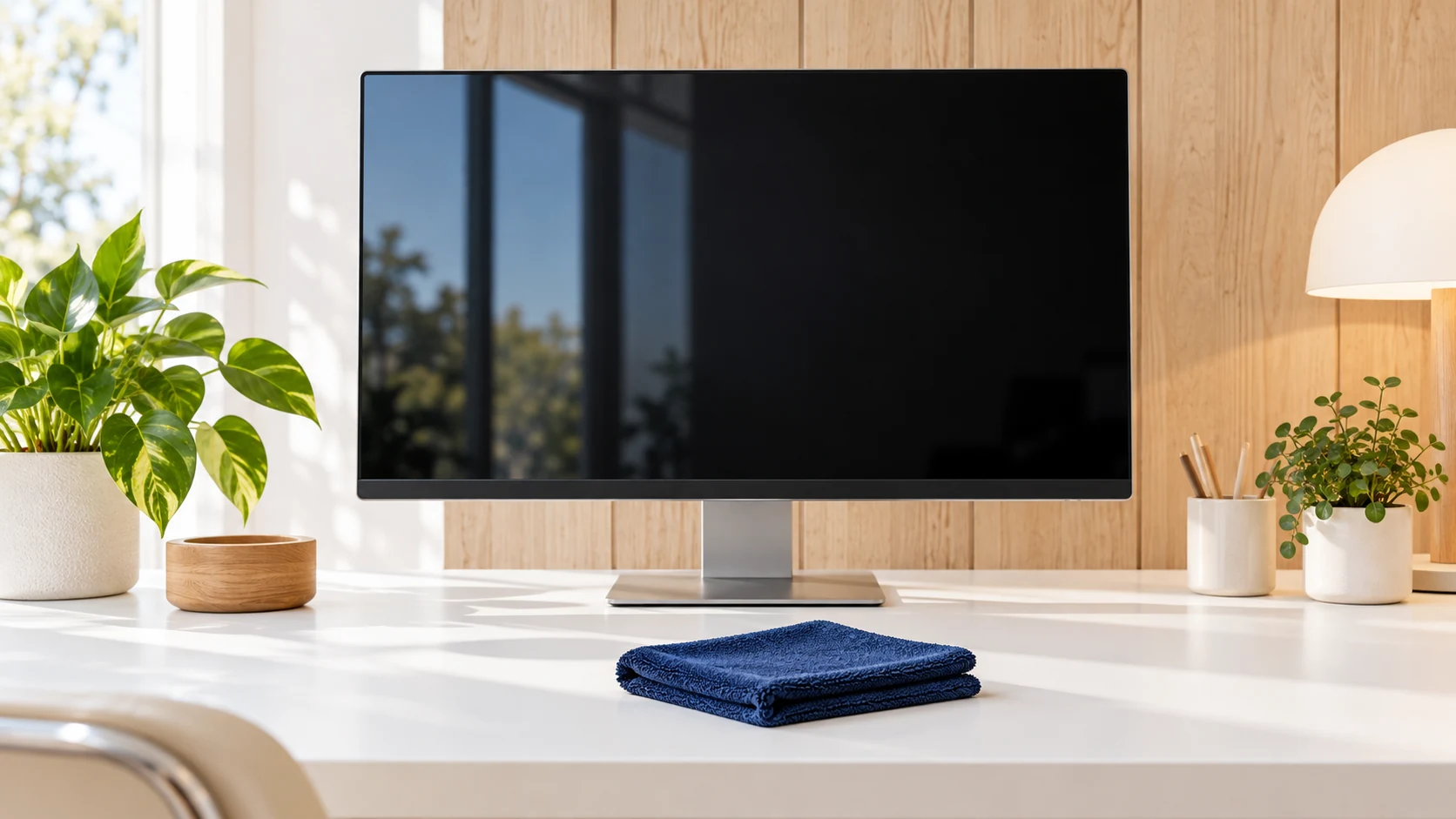
Clean monitor dust and smudges with model-specific instructions, a soft cloth, and careful moisture control.
Cleaning resources
Plan everyday office care, a construction handoff or a clearer cleaning scope.
Office cleaning
Clean monitor dust and smudges with model-specific instructions, a soft cloth, and careful moisture control.
Office cleaning
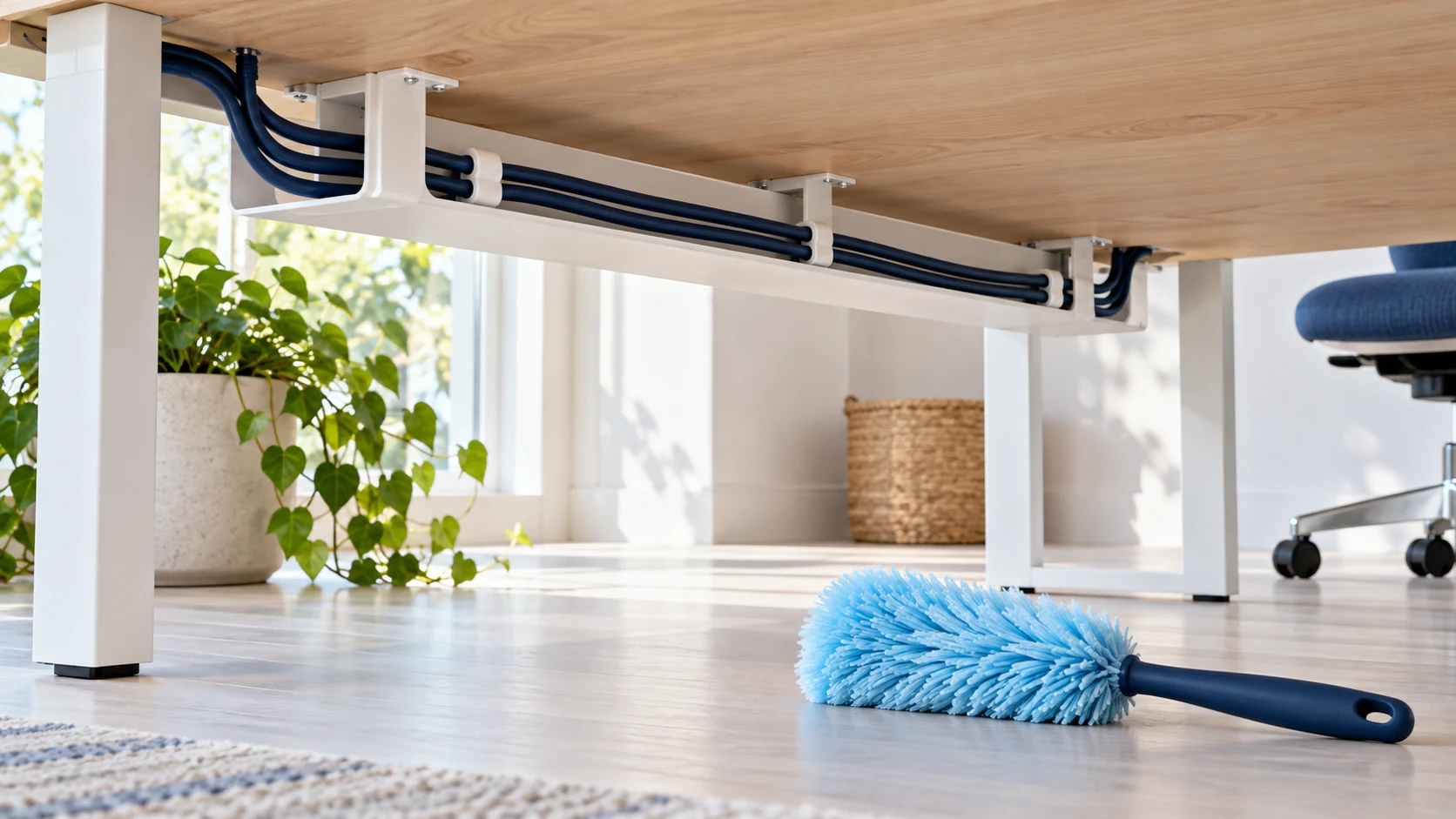
Remove ordinary dust around desk cables without pulling plugs, wetting electrical equipment, or changing an office IT setup.
Office cleaning
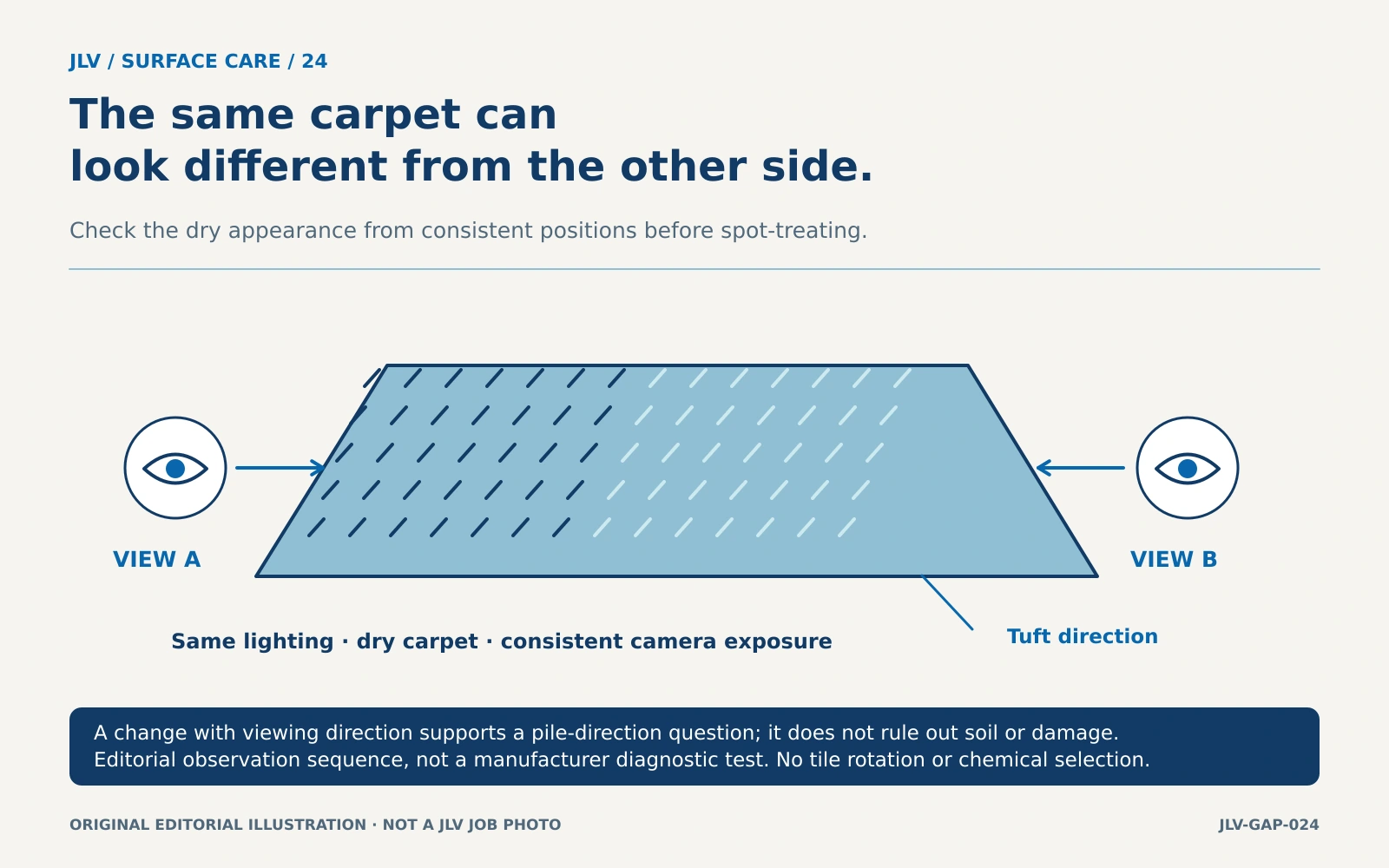
Use a dry, consistent-viewing comparison and product-approved vacuuming to assess a patchy carpet before treating every light or dark area as a stain.
Office cleaning
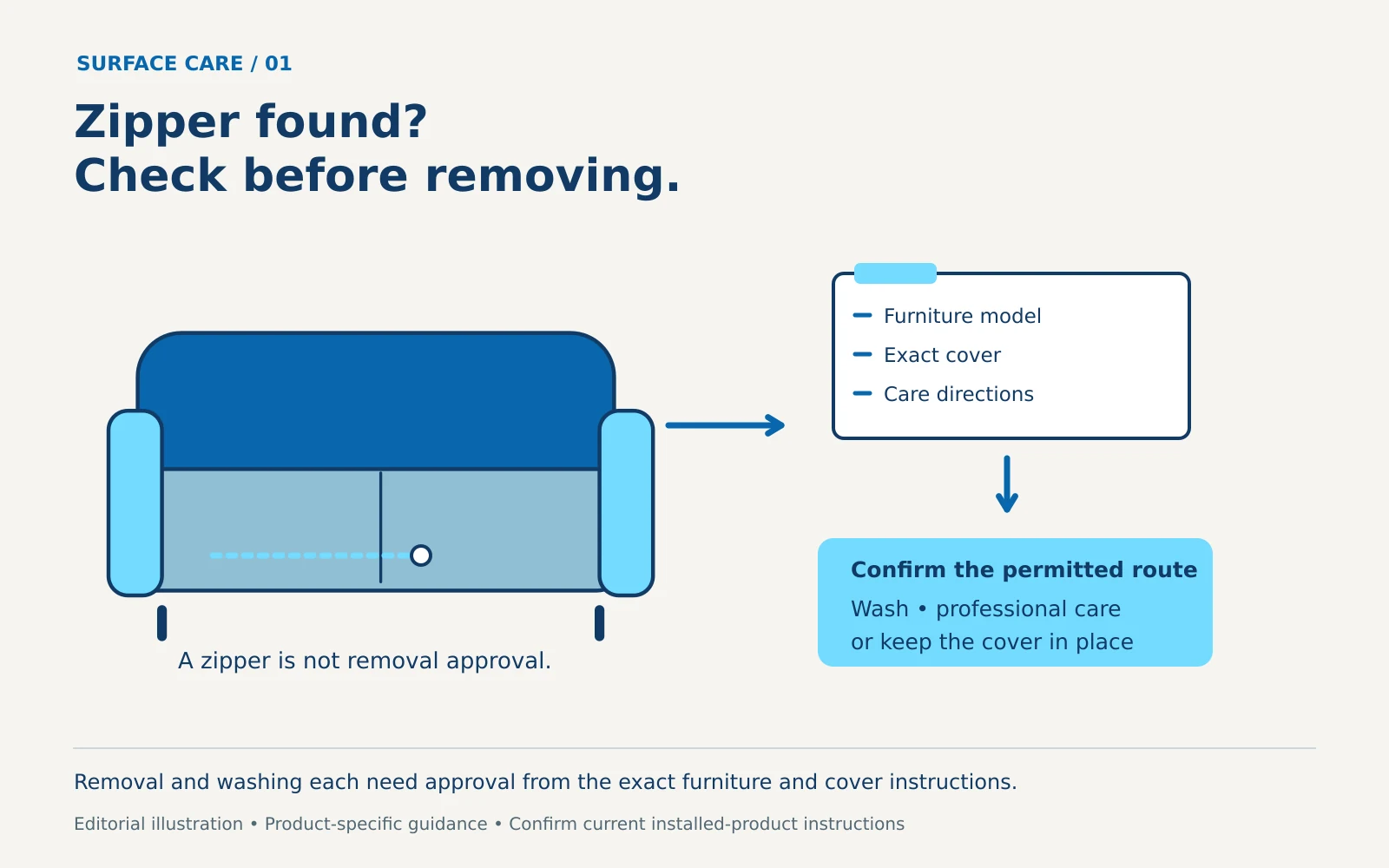
Confirm that both the furniture and cover permit removal and washing, then plan identification, approved cleaning, refitting and return-to-use checks.

Office cleaning
The concealed partition core determines whether wash-down cleaning is appropriate; a laminate-looking face alone is not enough.
Office cleaning
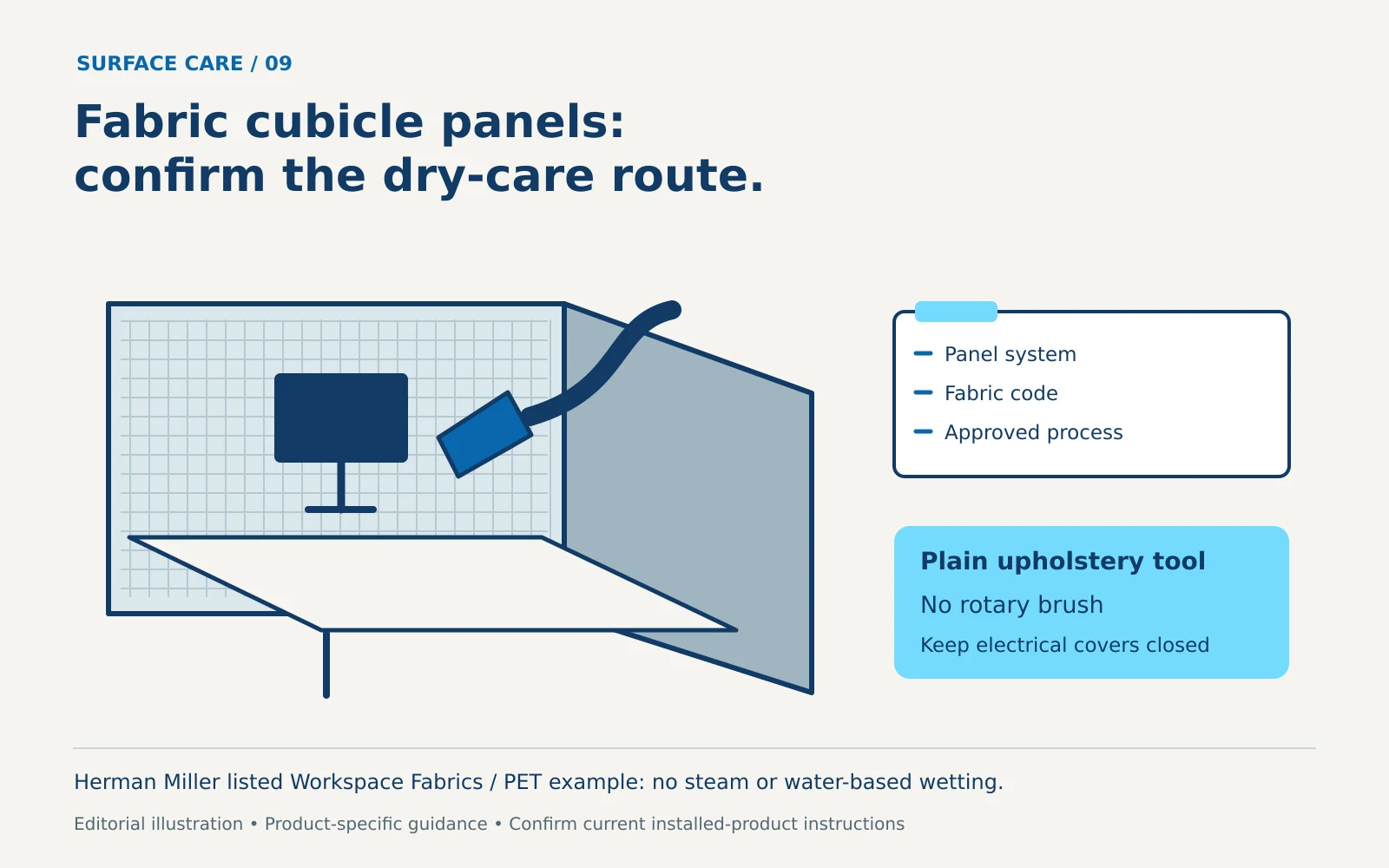
Check the panel system and fabric before approving steam or wet extraction, with a practical dry-care scope and handoff for remaining marks.
Office cleaning
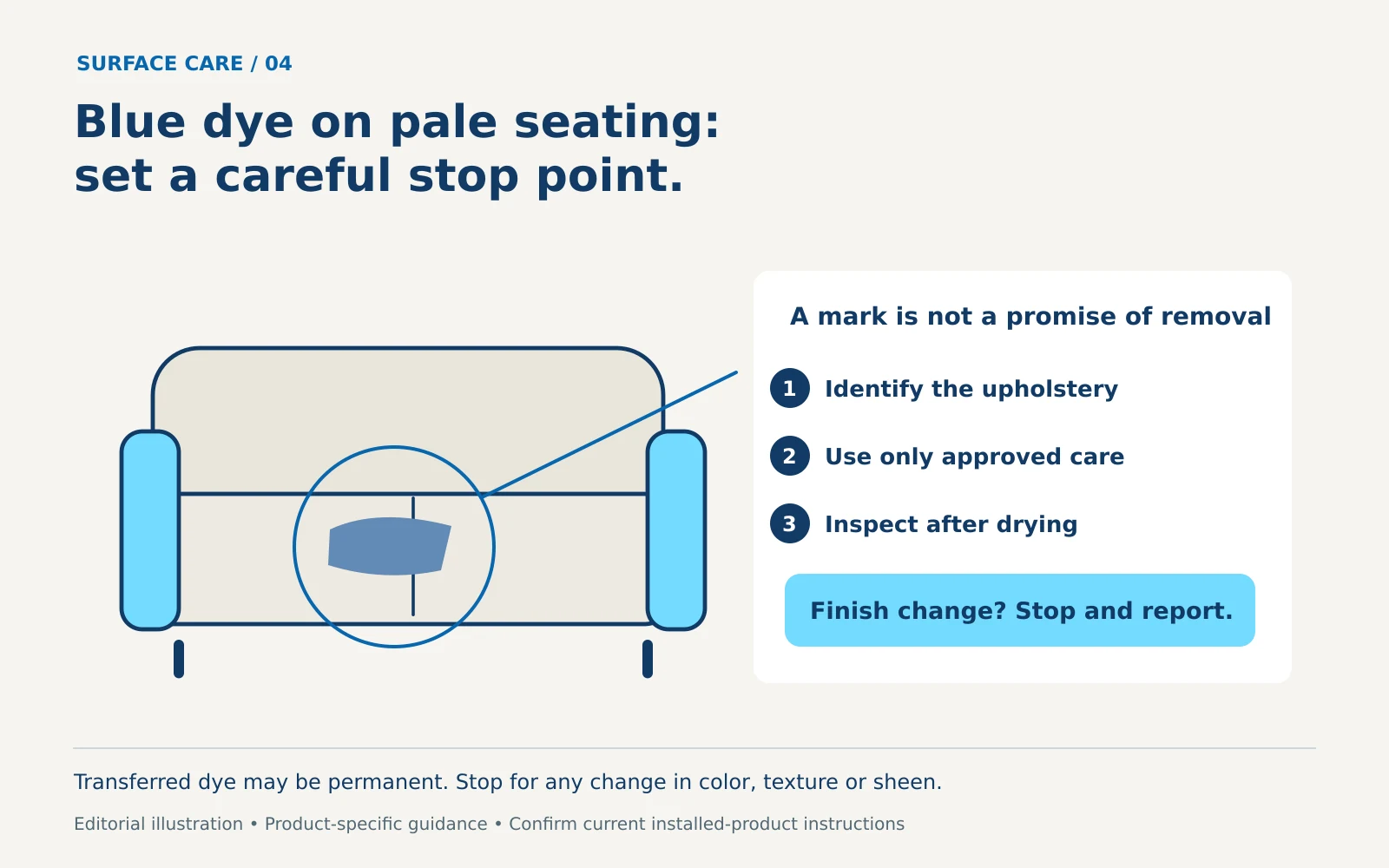
Identify pale synthetic-leather seating before treating possible clothing dye transfer, and use a clear stop point when approved cleaning leaves a mark.
Office cleaning
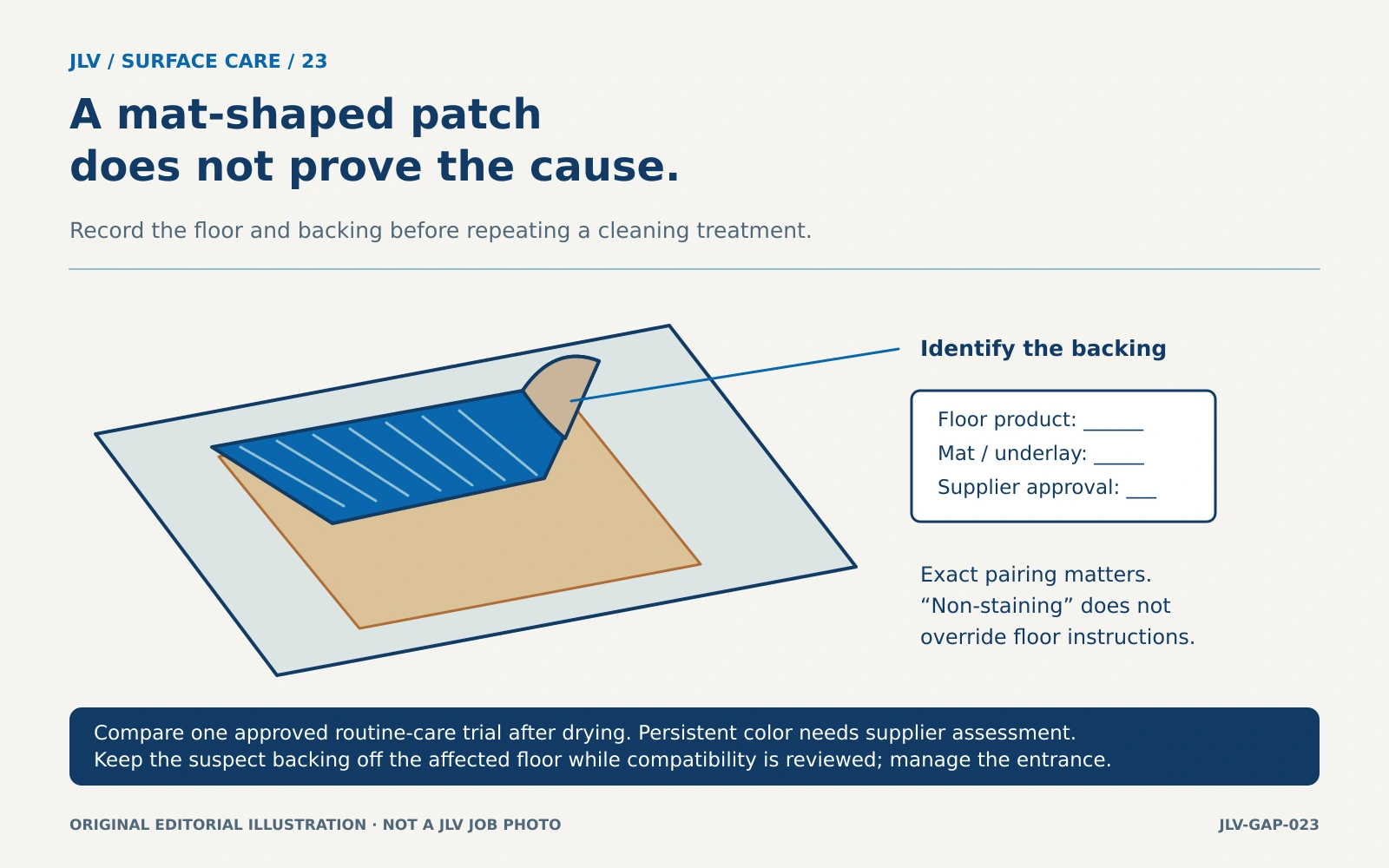
Check whether a mat-shaped yellow area is removable soil or a possible material-compatibility problem before escalating cleaning or replacing the mat.
Office cleaning
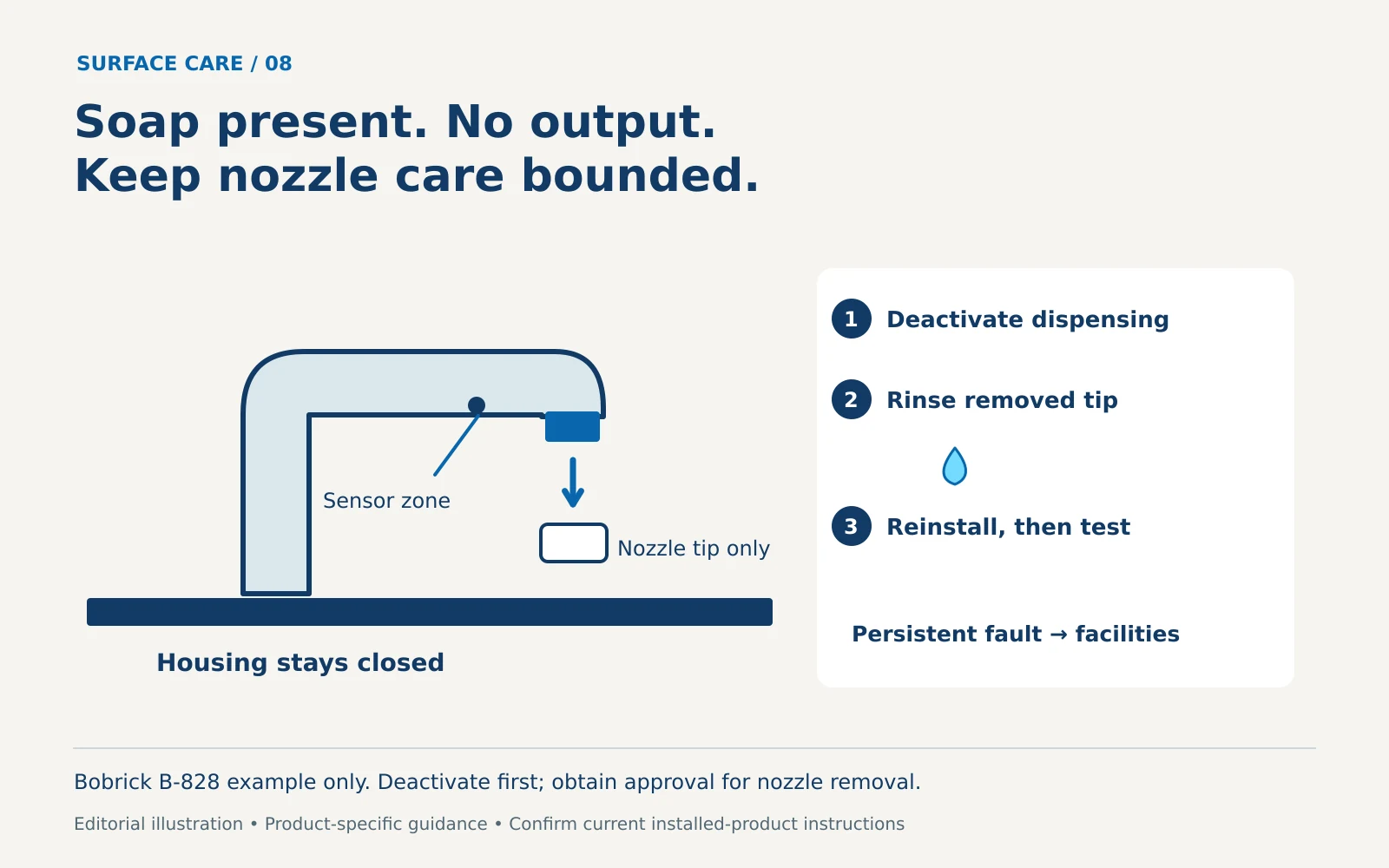
Check the dispenser model and visible condition before authorizing a nozzle-cleaning step; a full soap container does not establish the cause.