
Office cleaning
How to Clean Around Desk Cables
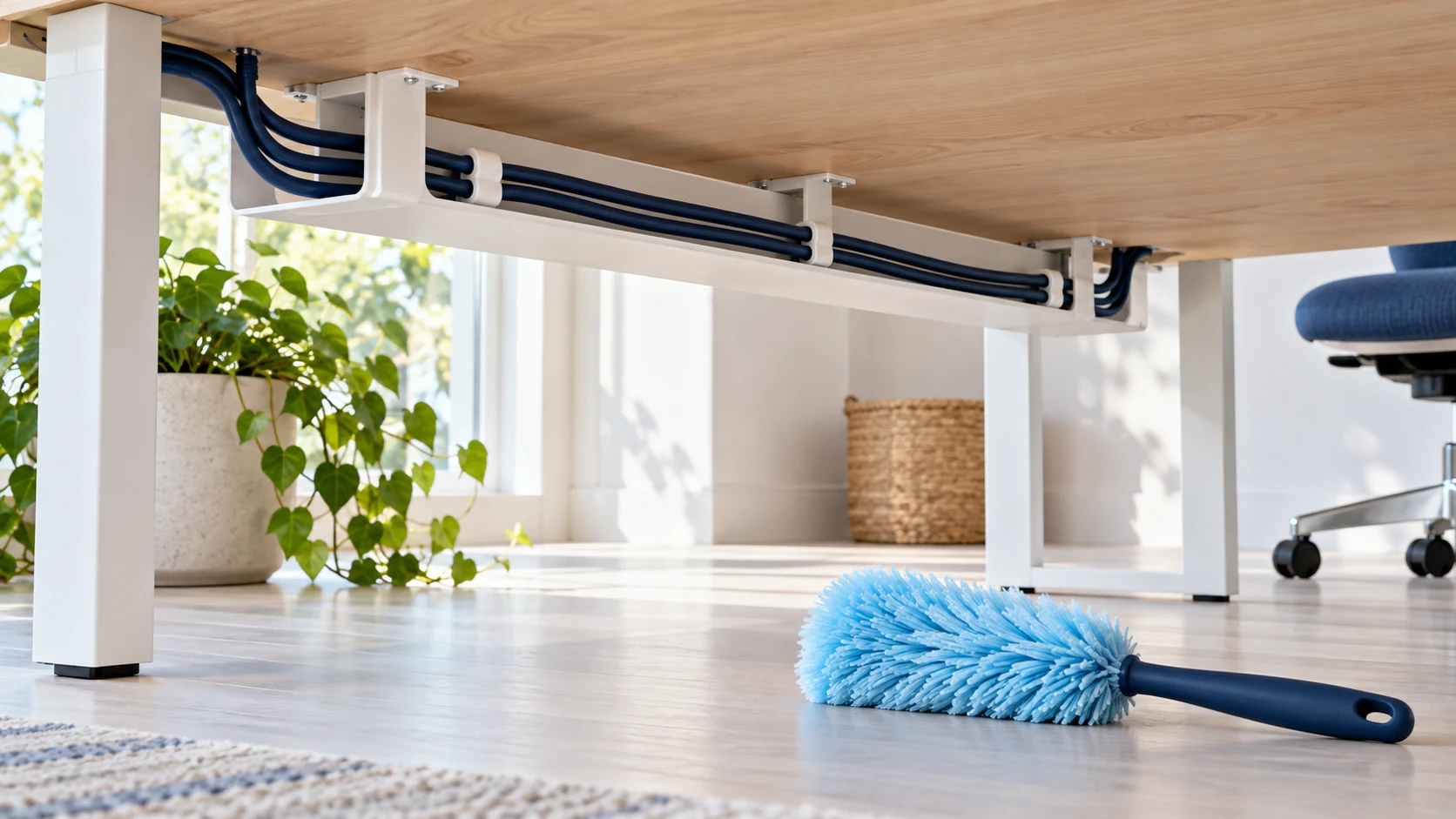
Quick answer
Clean the accessible floor and desk surfaces around cables using dry, controlled methods. Arrange power-down and cable movement with the equipment owner or IT team before cleaning anything that requires disconnection. Keep liquid away from plugs, power strips, adapters, and cable openings, and stop when wiring is damaged or wet.
Make a boundary before moving a cord
A cable bundle may connect a workstation, shared printer, network device, or equipment that must stay running. Never assume an unused-looking cord is disposable or safe to unplug. Agree which items can be moved, who will disconnect them, and how the original arrangement will be restored.
This is a housekeeping task around intact equipment. It does not include electrical repair, opening power supplies, rerouting fixed wiring, or deciding whether an overloaded outlet is acceptable. Refer those questions to the responsible facilities or IT professional.
Set up for careful access
- A flashlight so the floor and connections are visible
- Clean dry microfiber cloths
- A suitable vacuum tool for accessible ordinary floor dust
- A small container for loose office objects, with permission to move them
- The authorized equipment owner available if access requires cable movement
Avoid wet mops beneath live power strips, metal probes, forceful tugging, and vacuuming directly into electronic equipment. Keep the vacuum's own cable out of walking routes and away from the bundle you are cleaning.
A step-by-step approach
Start by looking, not pulling. Note power strips on the floor, crushed cables beneath chair wheels, loose connectors, damaged insulation, and signs of heat or moisture. If a problem is visible, stop at that location and report it. Do not hide a damaged cord back beneath the desk.
Ask staff to remove personal items and sensitive papers. Pick up ordinary loose objects only where they are safe to reach. Avoid crawling into a cramped space when you cannot see what supports the desk or where a cable is connected.
Clean the open floor around the cable path first. Use a controlled vacuum pass that does not suck in connectors or pull on wires. For accessible dust on nearby furniture, use a fresh dry cloth. Work around the bundle rather than dragging it through accumulated debris.
If the area beneath the cables needs attention, pause while the authorized person safely powers down, disconnects, and moves equipment. Photograph the arrangement only if office policy permits and without capturing confidential information. Clean the exposed surface using its appropriate method, keeping it completely dry before equipment returns.
Have the responsible person restore connections. Confirm cables do not run under chair casters or create a new walking hazard. Do not use cleaning time to introduce new adhesives, ties, outlet devices, or routing changes without approval.
When access remains difficult
Leave a clearly described deferred item: the desk location, surface that could not be reached, and the access needed. This is more useful than an undocumented partial clean or a guess about which plug can be pulled.
If water has reached energized equipment, keep away and contact facilities or emergency support as appropriate. Do not reach into the wet area to unplug it. Damaged cords and electrical faults require competent handling, not a wipe-down.
Make future cleaning simpler
Ask facilities to review recurring floor-level cable tangles and access problems. A planned cable-management change can give cleaning staff safe reach without interrupting work. JLV can discuss office-cleaning boundaries and access needs in Orange County, Chino, and Ontario at /contact/.