
Office cleaning
Spilled Printer Toner and the Safe First Response
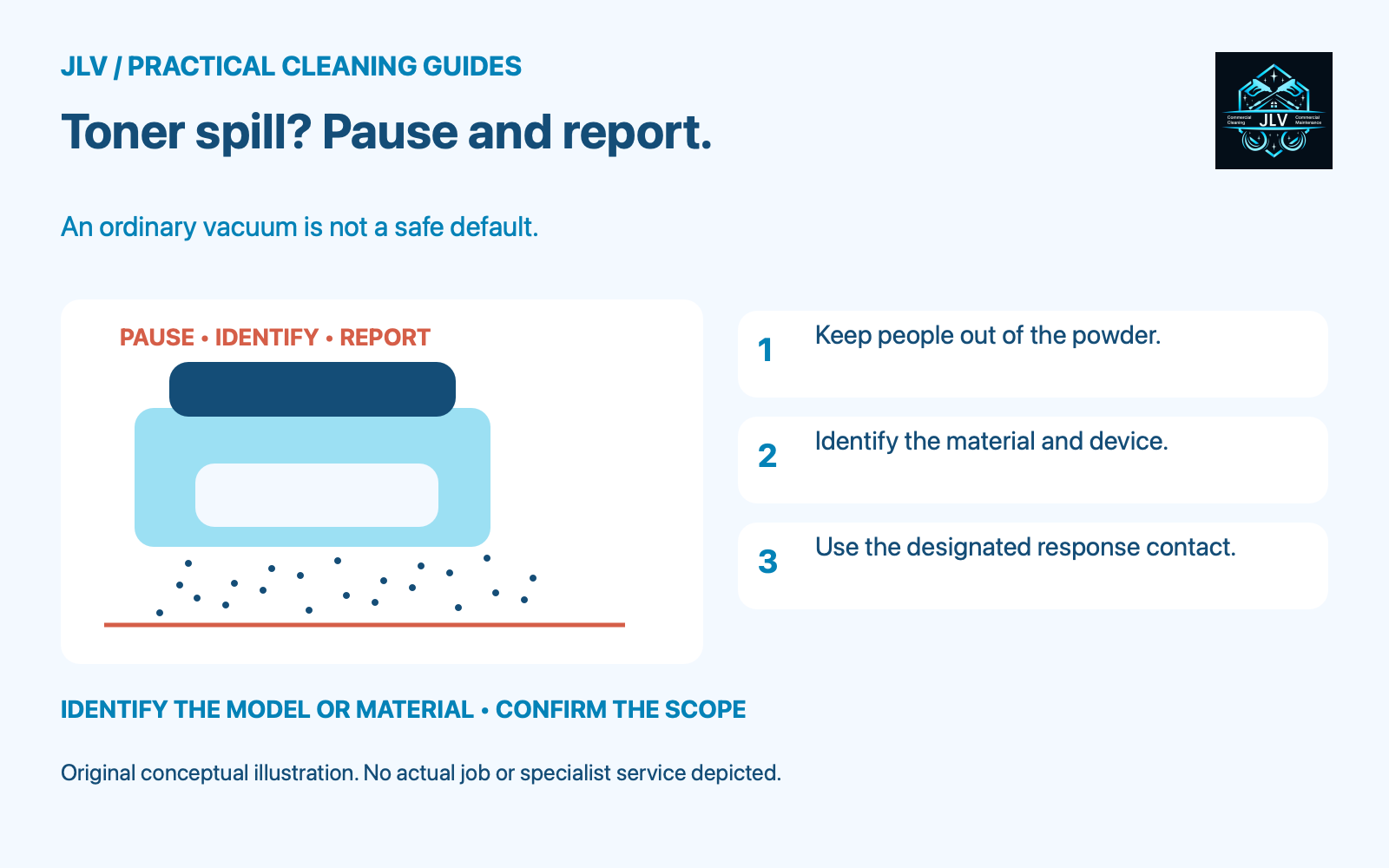
If printer toner spills, pause cleaning at that location and alert the office equipment or facilities contact. Keep other people from walking through the powder. Do not reach for the ordinary office vacuum, even if someone describes its filter as high efficiency. The first job is to identify the material, affected area and correct response.
Why ordinary vacuuming is inappropriate
Canon’s imageRUNNER 1435-series instructions warn against collecting loose toner with a vacuum that lacks safeguards against dust explosions. Canon identifies possible vacuum damage or a dust explosion caused by static discharge. This is a specific equipment-safety warning, not simply advice about whether a vacuum will pick up fine powder.
A filter label alone does not answer that warning. Do not improvise a vacuum conversion or buy an attachment on the assumption that it makes the machine suitable. Have the designated equipment-service or safety contact determine the permitted collection method for the actual toner and situation.
Describe the spill before anyone starts
From a safe position, give the responsible contact a short, useful description. Avoid opening the machine or moving the leaking item just to make the report more detailed.
- Which printer or copier is involved, including its model if readily available.
- Whether the material came from a cartridge, a waste-toner container or an unknown source.
- Where the powder is visible: an accessible hard surface, carpet, a cabinet opening or several locations.
- Whether anyone has already wiped, vacuumed or tracked through it.
- Whether people need another route past the machine while the condition is assessed.
Do not identify an unknown powder as toner merely because it is near a copier. If the source cannot be confirmed, report it as unidentified material and follow the site’s response procedure.
Keep the response within the manual
Canon’s consumables instructions include careful collection or a soft damp cloth for spilled toner, with precautions against inhalation. That instruction should be read for the exact product; it does not establish a universal method for carpet, electrical openings or a large release. Do not disassemble a toner cartridge. Leave internal contamination or an uncertain spill to the responsible service contact.
Ask for the applicable product instructions and the site’s approved handling and disposal process before work is assigned. If a routine cleaner cannot carry out that process within their training and agreed scope, record the task as deferred. A deadline for reopening the copy area does not supply the missing method or equipment.
Close the loop without spreading the job
Tell the next cleaning shift exactly which area remains restricted and who owns the response. If a vacuum was already used, flag that fact before anyone empties it or returns it to ordinary service. Ask the responsible contact how the affected equipment and collected material should be handled.
Record who confirmed the area could return to use and whether the leaking consumable or device still needs attention. For exposure symptoms, smoke or another urgent condition, use the site’s emergency procedure rather than a cleaning request.
When discussing office cleaning with JLV, identify printer areas and specialist-response contacts in the scope. Toner cleanup, device servicing and restoration require separate confirmation; this guide does not establish that JLV provides them.