Office cleaning
Meeting Room Projector Lens Cleaning Boundaries
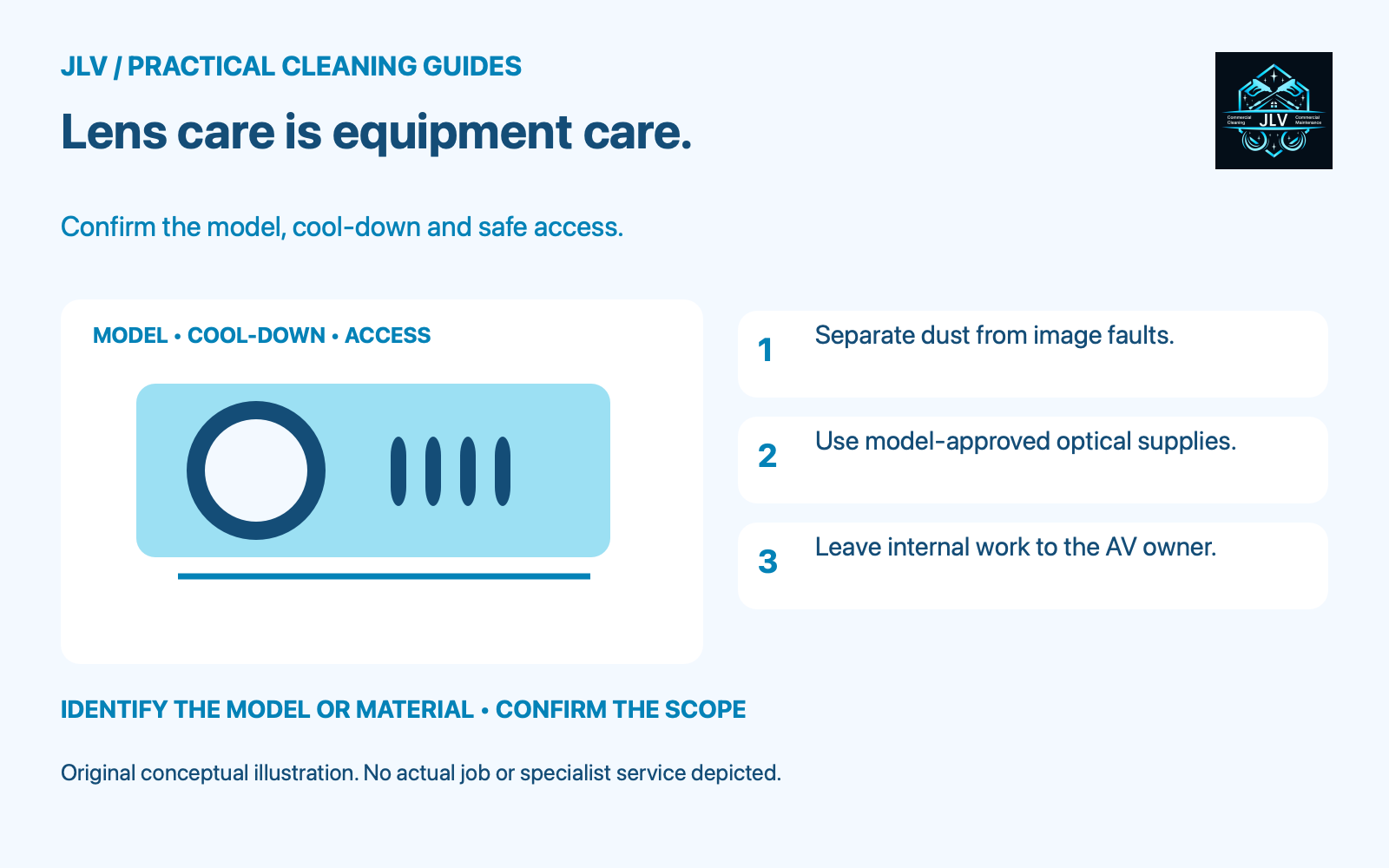
Treat a meeting-room projector lens as a separate equipment-care task. Confirm the model, approved method, shutdown window and safe access before cleaning it. If those details are missing, report the visible condition to the AV or facilities contact and continue with the room’s agreed ordinary cleaning.
Check what needs attention
Ask whether the concern is visible dust on the lens or a problem in the projected image. Record when it appears and which input is being used. Avoid cleaning the lens repeatedly in response to a vague report that the picture looks wrong.
Epson’s guidance for the EB-L210W/EB-L260F/EB-L265F/EB-L270F family lists focus, projector position and image settings among the checks for a blurry image. Lens cleaning is one possible step. Have the person responsible for the AV system decide which checks are appropriate, without changing room settings during a cleaning visit.
Arrange access and a complete shutdown
Find the exact care instructions using the model label or the office equipment record. Agree who will shut down the system and when the room can be unavailable. A meeting finishing in five minutes is not an adequate reason to skip the equipment’s cooling requirements.
Epson’s cited maintenance guide requires turning the projector off, unplugging it and allowing it to cool. It also restricts opening covers to procedures specifically explained in the manual. Follow the actual model’s shutdown and cooling instructions rather than assuming a universal waiting time.
For a ceiling-mounted unit, have facilities arrange appropriate access. Do not stand on a meeting table, pull a mounting arm down or stretch across furniture to reach the lens. If access requires equipment removal, leave that decision and work with the authorized AV contact.
Keep the optical-care supplies separate
For the cited Epson family, the lens instructions specify clean, dry lens-cleaning paper for dust or smudges and a soft lint-free cloth moistened with lens cleaner for stubborn smudges. Liquid must not be sprayed onto the lens. The guide also forbids canned air, glass cleaner, ammonia-containing products and harsh materials, and warns that cleaners containing flammable gas can cause a fire from projector heat.
Use those instructions only when they match the projector in the room. For a dusty lens, follow the guide’s sequence of removing loose dust before wiping. Have the AV owner confirm the permitted tool rather than substituting canned air, and resolve any uncertainty about the lens product. Do not substitute the cloth used on the conference table or the spray used on the glass door.
Keep the task limited to the accessible optical surface and the exact method permitted. Do not rub harder at an unchanged mark, reach behind the lens or remove optical parts to chase dust. Stop if safe access or the condition of the surface is uncertain.
Return the room with a useful record
After the approved care and restart procedure, have the equipment owner check a familiar test image. Note the model, surface cleaned, materials used and whether the original concern remains. If it does, leave the before-and-after observation for the AV contact instead of promising that another cleaning pass will fix it.
Keep lens care, filter maintenance and room touchpoints as separately assigned tasks. When discussing meeting-room cleaning with JLV, confirm reachable surfaces and equipment exclusions. AV repair, internal optical cleaning and work at height require separate confirmation.