
Pop culture
Star Trek and the Room Where Everyone Has a Role
Historical event:
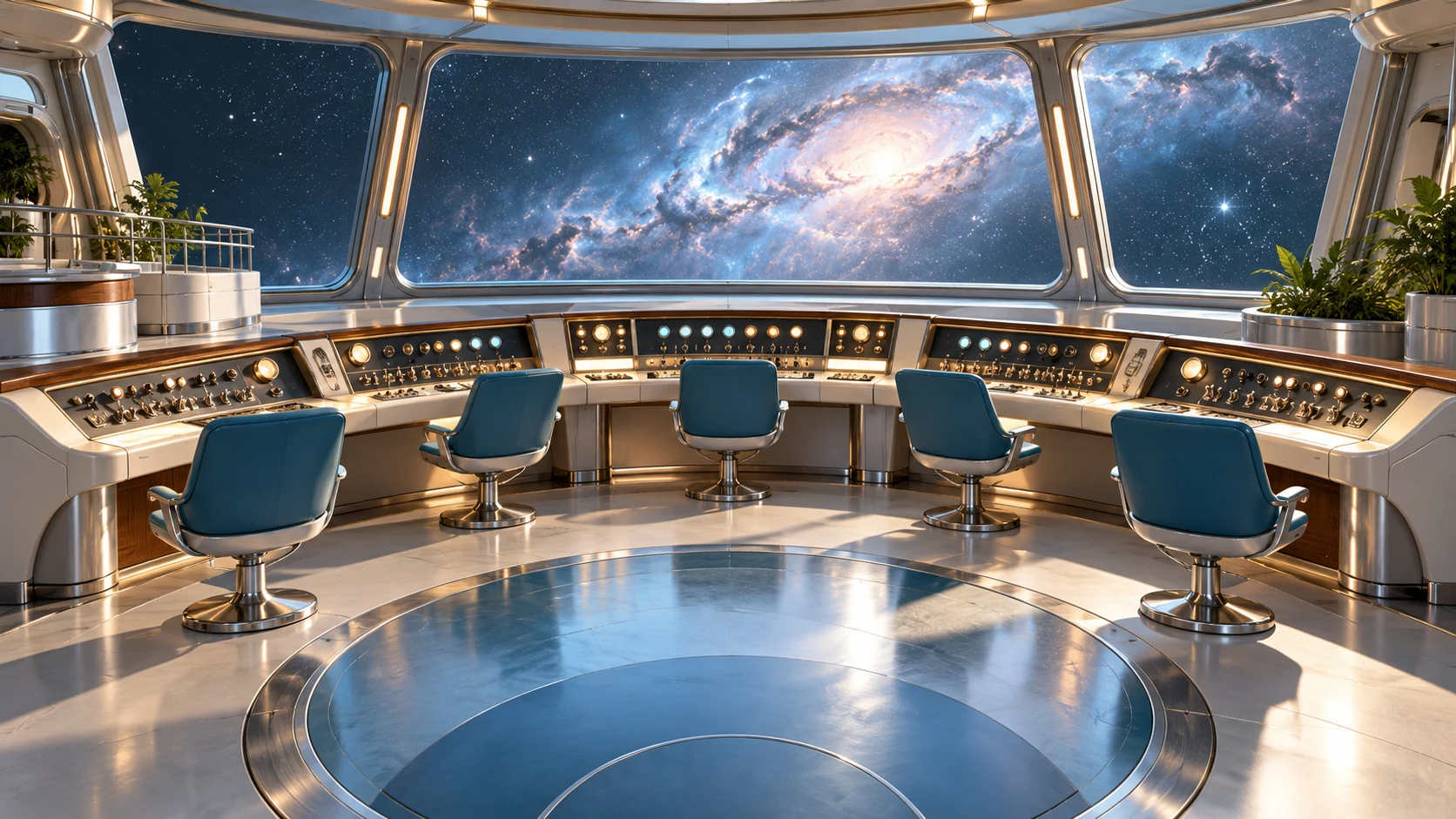
Before a starship could explore an unfamiliar planet, somebody had to know which station they were supposed to be sitting at.
On September 8 in 1966, Star Trek made its U.S. television debut on NBC with The Man Trap. There is a small international footnote: Canadian viewers saw the episode on CTV on September 6, two days earlier. September 8 belongs specifically to the American debut.
The familiar opening date also conceals a less direct route to the screen. Star Trek's official history notes that two pilots preceded the series launch. By the time viewers met the Enterprise crew, the program had already passed through experiments in how to make its imagined universe work on television.
A workplace you could read at a glance
Matt Jefferies helped give that universe its physical form. His official biography credits him with designing the Enterprise and its bridge. The ship's exterior promised travel; the interior gave the audience a place to watch decisions being made.
The bridge is especially effective as a shared workplace. People face different consoles while participating in one conversation. A captain can ask a question, another crew member can look at an instrument, and a reply can change what everyone does next. The room makes the division of labor visible.
You do not need a technical manual to understand that arrangement. The stations suggest different responsibilities. The central position suggests coordination. A glance toward a screen tells viewers that information has arrived from somewhere beyond the room.
That is an elegant television trick. The wider universe can be almost unimaginably large, while the people trying to understand it remain within conversational distance. A bridge scene turns scale into teamwork: somebody gathers information, somebody interprets it, and somebody must decide what to do.
Its appeal also feels pleasantly familiar. Even far from Earth, a working day includes shared equipment, interruptions, and colleagues who know more than you do about their particular station. The future still needs people to pay attention to one another.
Identify your shared controls
Back in an office, the most frequently shared device may be a meeting-room controller, a reception tablet, or a conference phone. These objects can sit between responsibilities: everyone uses them, but the cleaning plan may never name them.
Add the exterior controls to a surface inventory, then ask who owns the device and which manufacturer instructions apply. Agree whether the item is included and who handles any preparation required by those instructions. Avoid leaving a cleaner to unplug, open, or move equipment without authorization.
For a concrete example, Apple tells users not to spray cleaners directly onto its products and to keep moisture out of openings. Other equipment needs its own directions. A recognizable button is still part of a particular device, with particular limits.
A good inventory keeps the business owner's decisions small and clear. Identify it, assign responsibility, and record the approved scope. Nobody should need to improvise at the controls.
JLV provides business and office cleaning in Orange County, Chino, and Ontario, California. Let's chart the shared surfaces in your workplace and give the everyday details a little command attention.