
Office cleaning
How to handle found property during office cleaning
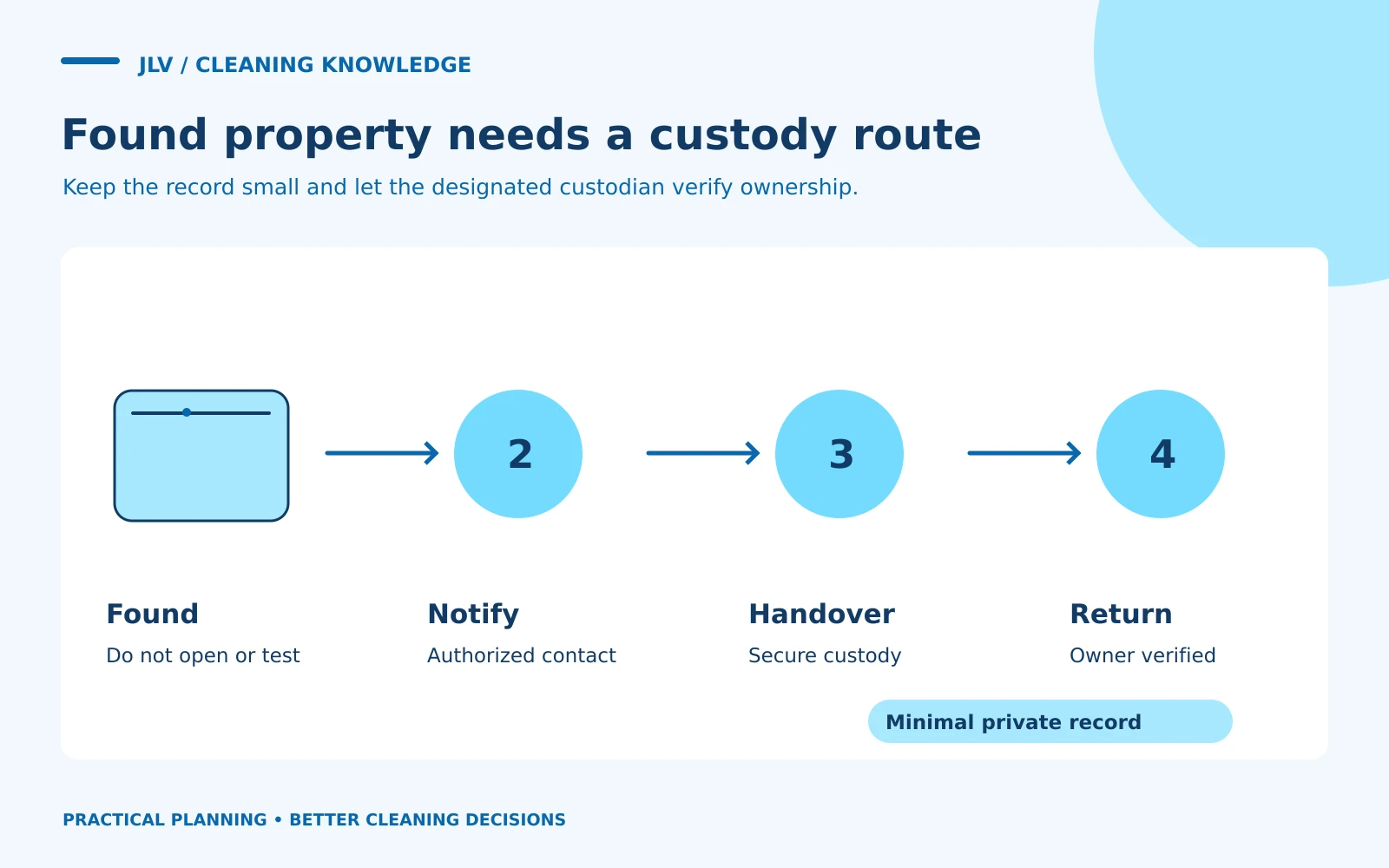
When cleaning staff find property, use a named office or security contact and a secure handover process. Record only the information needed to return the item. Do not open bags, read papers, test devices, or post detailed photographs in a broad staff channel to identify an owner.
The office should establish this process before something valuable or sensitive is found. An improvised search through a wallet or phone can expose information the cleaning team does not need and complicate a simple return.
Agree on the first action
Tell the provider which items should remain undisturbed while the office contact is notified and which ordinary misplaced items may be transferred to a designated custodian. The right approach depends on location, apparent risk, and the office’s existing policy.
An unattended bag that looks suspicious, an unknown substance, a weapon, or an item near an immediate hazard should not be handled as ordinary lost property. Follow the building’s security or emergency procedure. Staff should not investigate an item to decide whether it is safe.
For routine property, avoid leaving it on an open reception counter or in a shared cleaning cart. If the custodian is unavailable, use the approved alternative rather than inventing a storage location.
Keep the record minimal
A practical log can contain a reference number, date and time found, general location, broad description, person who received it, and return status. “Dark jacket found in meeting room” may be enough. Identity-document numbers, bank-card details, or the contents of a bag do not belong in a general log.
FTC guidance on protecting personal information supports collecting only what is needed and protecting retained information. Limit the log to designated staff and follow the organization’s retention policy.
If a photo is genuinely necessary under the approved process, frame only the relevant exterior and avoid names, screens, documents, or unrelated property. Do not use a worker’s personal social account or a public post to locate the owner.
Give ownership checks to the custodian
The designated office or security representative should handle claims and decide how to verify ownership. The cleaning crew should not ask coworkers to describe private contents or make a judgment based on someone’s confidence that an item is theirs.
For an electronic device or removable drive, contact the office’s authorized IT or security team where appropriate. Do not connect it to a computer, charge it to inspect the screen, or try to unlock it. A badge or key should go through the organization’s access-control process.
Found-property checklist
- Stop and assess whether security or emergency procedures apply
- Avoid opening, testing, or searching the item
- Notify the designated contact through the approved channel
- Keep the description minimal
- Use the agreed secure handover or storage method
- Record who accepted custody and when
- Let the custodian verify ownership and authorize return
- Follow office policy for unclaimed items and records
Do not invent a disposal deadline or donate unclaimed property on the cleaning provider’s initiative. Legal and company requirements may differ; the organization should obtain appropriate advice when setting its policy.
Walk through an example
A cleaner finds a closed tablet cover under a conference table after an evening visit. The agreed process might be to notify security with the room and time, transfer the item to the authorized desk, and record the custodian’s acknowledgment. Nobody needs to open the cover or access the device to complete that handover.
Review the process when contacts or office hours change. A concise, reliable custody route protects the owner’s privacy and lets cleaning continue without turning staff into investigators.